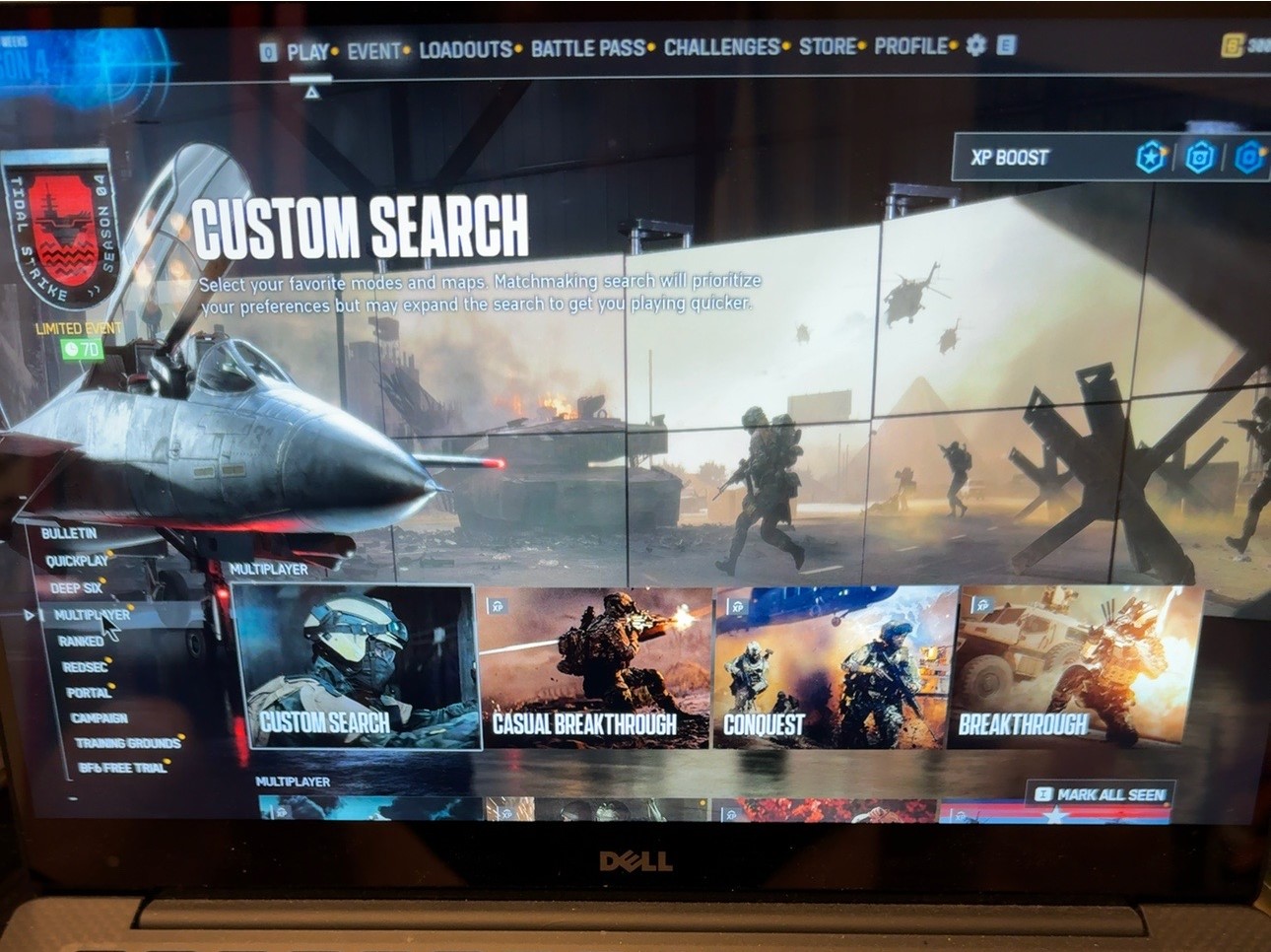
Could my old Dell handle Battlefield 6—and record it at the same time?
That was the question. I already had the laptop, so I wanted to see what I could do with it before getting carried away with more equipment.
The important detail is that I’m using GeForce NOW. The game runs remotely and streams to the Dell over the internet. This isn’t a claim that an old XPS 13 can suddenly run Battlefield 6 on its own.
Still, the laptop has work to do. And I wanted to add recording into the mix.
Getting a game recorded
I used OBS Studio to capture the GeForce NOW window and game audio. There was a bit of setting up involved, including a capture that was still pointing at an earlier game. Eventually, I had Battlefield 6 showing properly and a recording I could play back.
The picture and game sound looked and sounded good to me. An encouraging start.
Another game was a little jittery, though, and I wasn’t even recording that one. I don’t yet know what caused it. It would be easy to blame OBS or turn every setting down, but that wouldn’t tell me much about what actually happened.
Then I tried a streaming test
Once recording was working, I connected OBS to Twitch and ran a short bandwidth test.
I wanted to try 1080p first and reduce it if necessary. The settings were:
- Resolution: 1920 × 1080
- Frame rate: 30 frames per second
- Video bitrate: 5,000 Kbps
- Encoder: Intel Quick Sync H.264
The test ran for roughly eight minutes. OBS reported no dropped frames from the network, with very small amounts of rendering and encoding lag. Playing felt fine during the test too.
That was a bandwidth test, so it wasn’t my first public stream. It also wasn’t a long enough session to declare everything sorted forever. But it gave me a useful starting point.
Why this setup appeals to me
I need something I can set up, use and put away without taking over the house. The Dell is handy for that.
Being able to play, capture a bit of footage and experiment with streaming on equipment I already own opens up a few possibilities. There’s still some work to do—particularly getting a microphone sorted and checking how everything behaves over a longer session.
For now, the answer is promising: my old Dell has managed cloud gaming, recording and a separate streaming test. The occasional jitter still needs investigating.
That’s where The Jovial Jock begins. Trying something, finding out what works, and sharing the bits that might help someone else.
The adventure of learning—with a few games along the way.
Leave a Reply